
Get Started with MAVIS
-

Introduction to MAVIS
A brief overview of MAVIS, its features, and how it can benefit users.
-
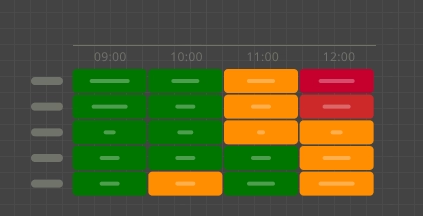
36hr Aerodrome Table
An overview of the 36hr Aerodrome Table product and a description of key features and properties.
-
Aviation Abbreviations
Common abbreviations used in aviation forecasts and warnings.
-
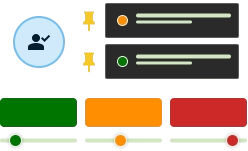
Customising MAVIS
Find out how MAVIS can be tailored to individual user needs and preferences.
-
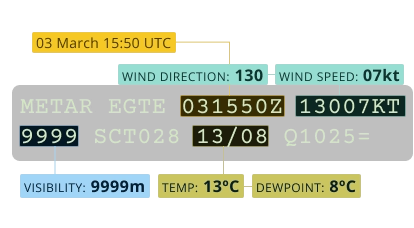
How to decode a METAR
A breakdown of the elements in a METAR report, what they mean, and how to interpret them.
-
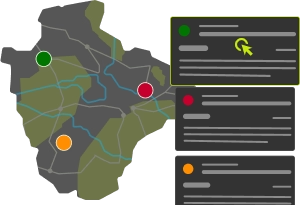
Navigating MAVIS
An introduction to the interfaces in MAVIS.
-
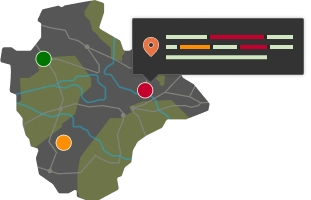
Site Specific Weather Information
An overview of the site specific weather information available in MAVIS.
-
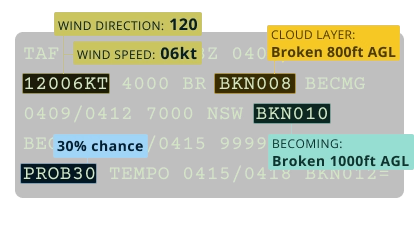
How to decode a TAF
A breakdown of the elements in a TAF report, what they mean, and how to interpret them.
-
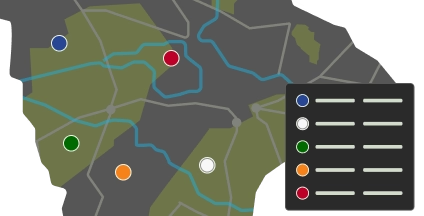
Visibility and Cloud Base Indicators
An introduction to the Visibility and Cloud Base indicator thresholds in MAVIS.
-
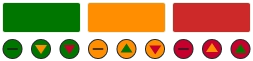
Weather Thresholds
An introduction to weather thresholds in MAVIS.
-

Installing MAVIS
Install MAVIS as a Progressive Web App.
-
Logging into MAVIS
A guide on how to log into the MAVIS platform, including steps for first-time users and troubleshooting tips.
-
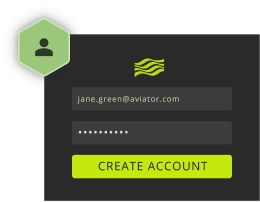
Create an Account
Create an account to access MAVIS, access your weather data and manage your preferences.
-
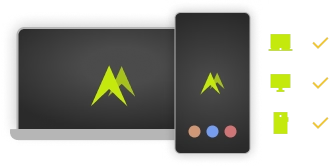
Supported Devices
A summary of devices and browsers that support the use of MAVIS.